 PQStat
 PLOTS
The PQStat program lets you create column plots, error plots, box-and-whisker plots, point plots, and line-point plots.
The plots options window is opened via the Plots menu.
The basic plot parameters can be changed directly in the plot window. The individual tabs of this window serve different purposes:
- the Plot General Options tab lets you change general parameters such as titles, background, axes, gridlines, or the legend;
- the Plot Detailed Options tab lets you change the appearance of the plotted object itself, e.g. its shape, style, or colors;
- the Other tab lets you add extra elements to the plot, e.g. an additional line.
Plots showing the results of statistical analyses are available in the window of the given statistical analysis, under the Include plot option.
What you can do with a finished plot
The plot is placed in the report, where it can be, from the context menu (right-click on the plot):
- saved - the Save plot as... option;
- printed - the Print plot option;
- copied - the Copy plot option;
- edited - this applies to the Plot General Options and Plot Detailed Options. To edit a plot, simply double-click it with the mouse, or select the Edit plot option from the context menu. The plot editing window also lets you save the plot in high resolution.
PLOT GALLERY
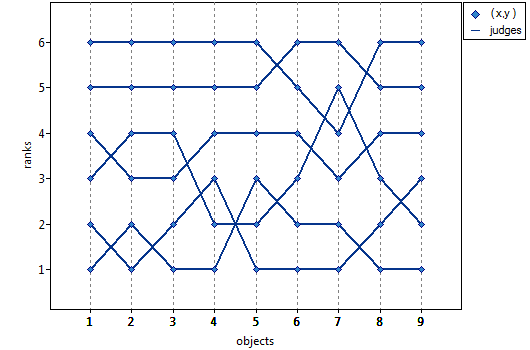
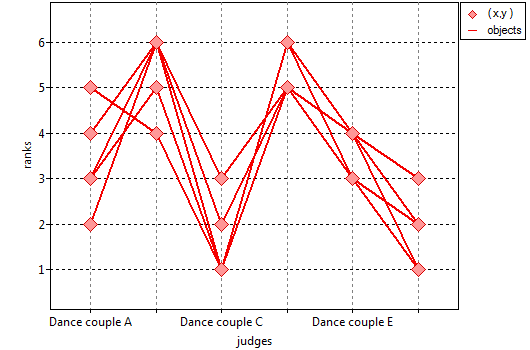
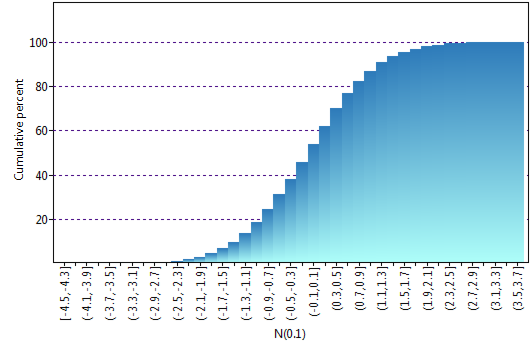
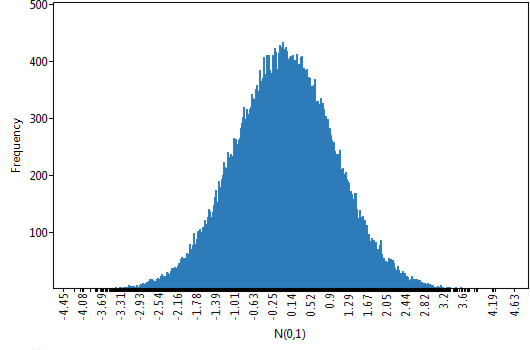
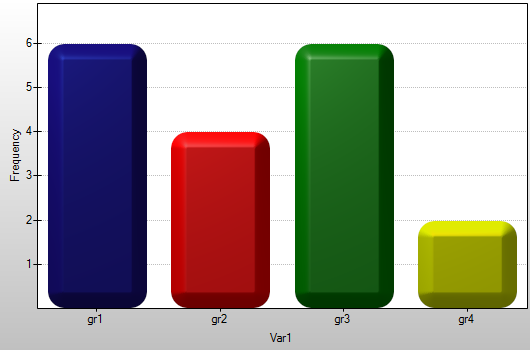
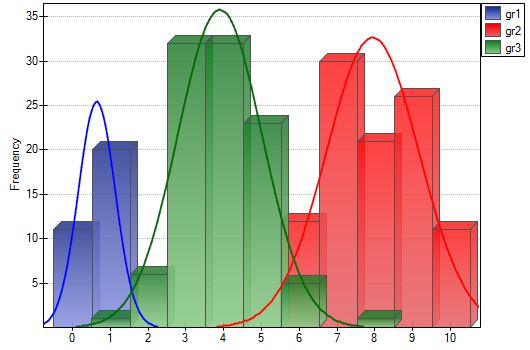
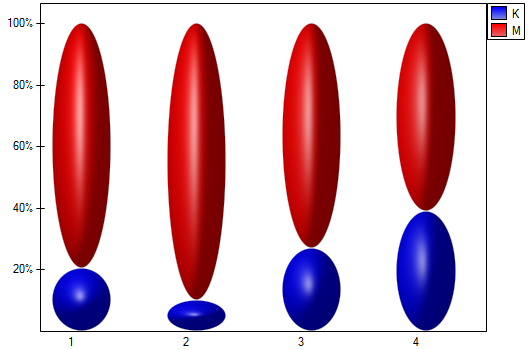
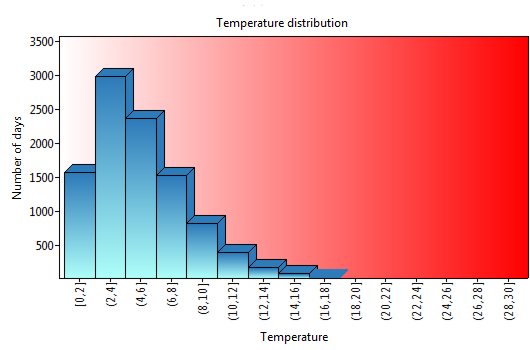
The types of plots available depend on the analysis being performed. Examples of the individual plot types are shown below.
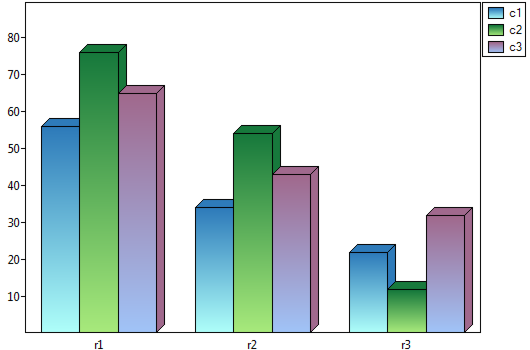
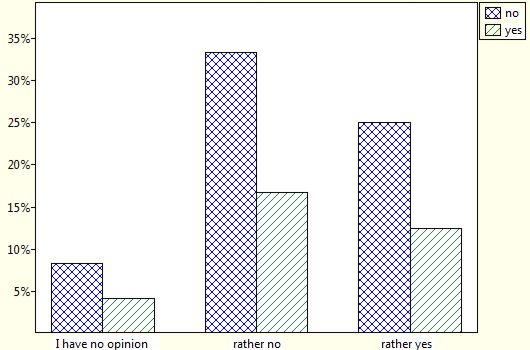
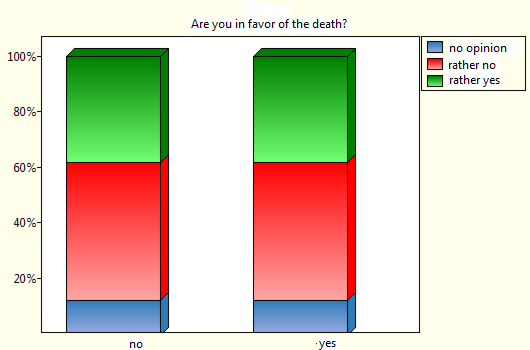
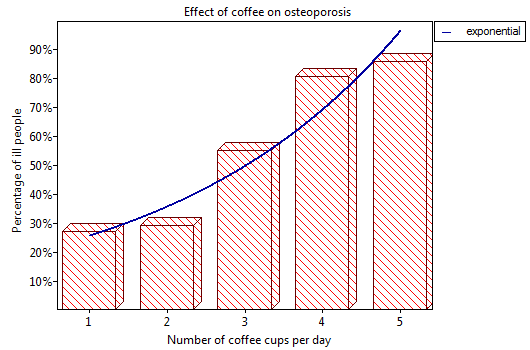
Column plots
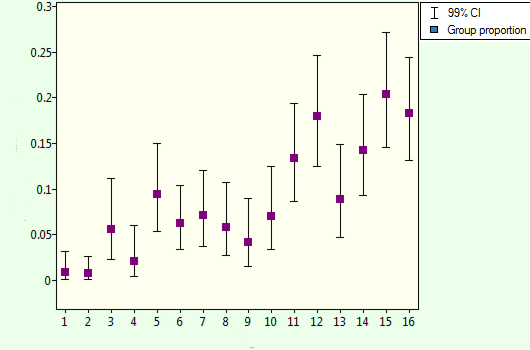
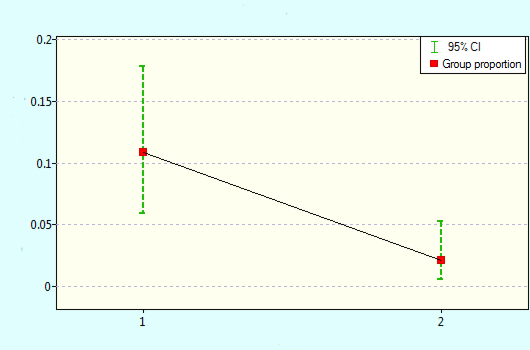
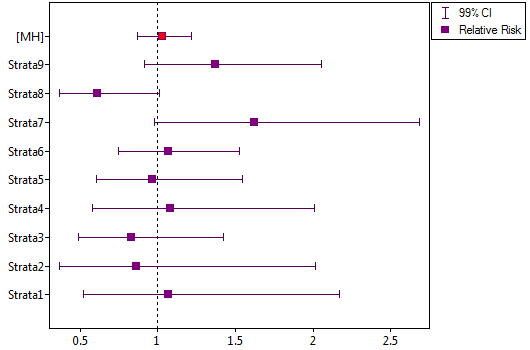
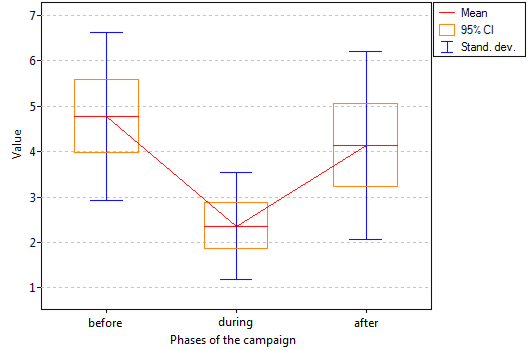
Estimator error plots
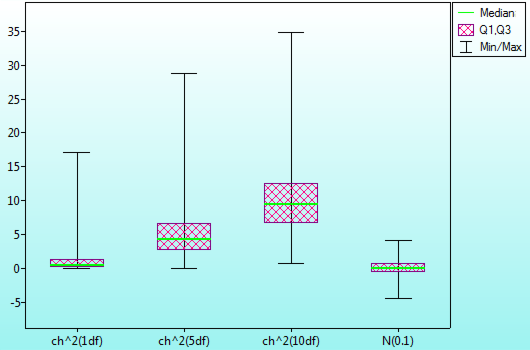
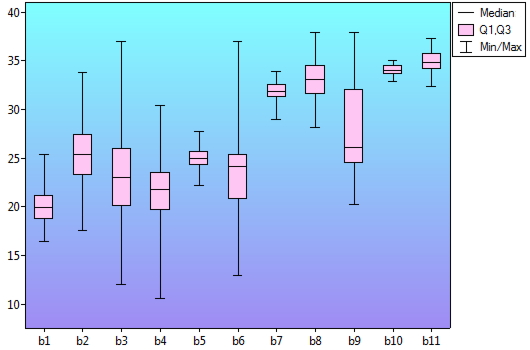
Box-and-whisker plots
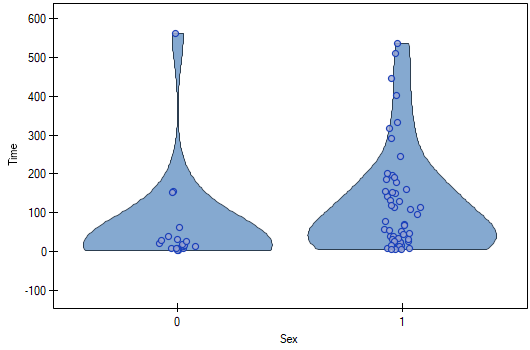
Violin plots
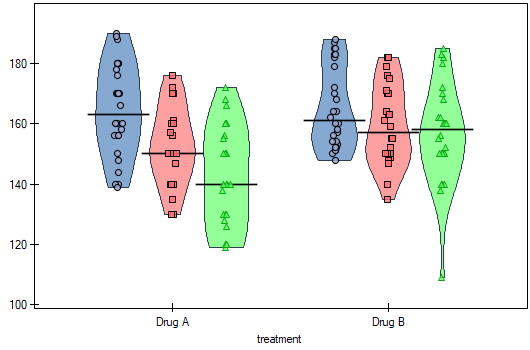
Point plots
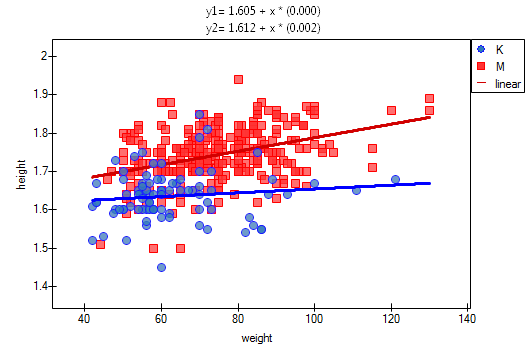
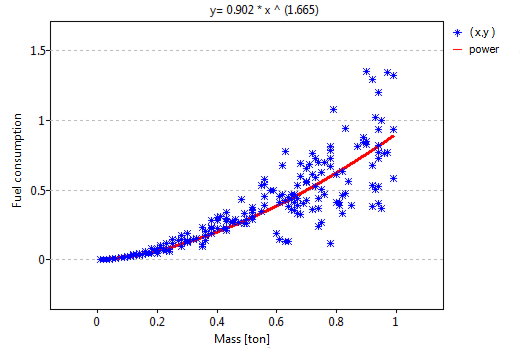
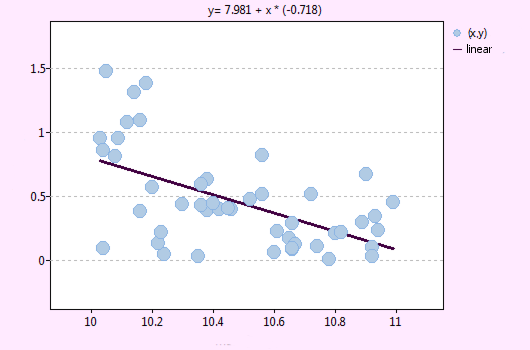
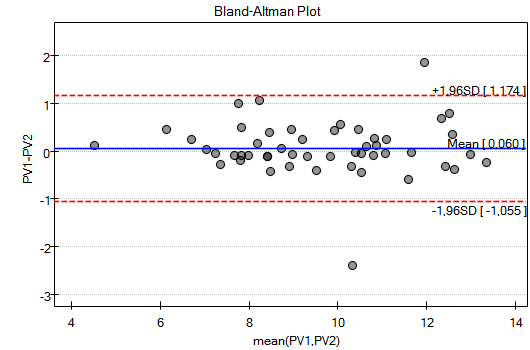
Line plots